Free VPN for iPhone & iPad
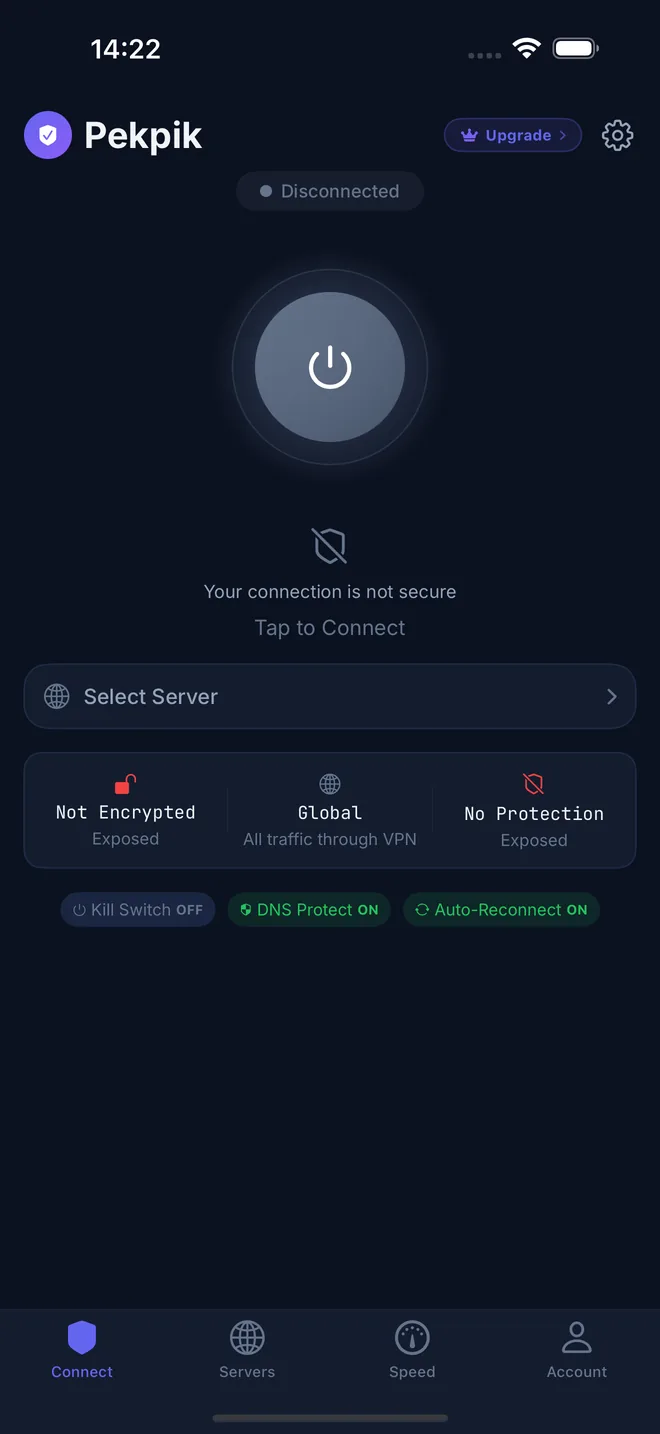
No sign-up and nothing to configure. Tap once to connect on free servers, or go VIP for faster servers in 32 countries and regions that we run ourselves.
4.6 from 562 ratings on the US App Store
Mac, Android and Windows versions are coming soon.
32 countries and regions
Free to start. VIP when you need more.
Everyone gets the same app. Free servers are there whenever you need them; VIP adds our own faster network.
| Feature | Free | VIP |
|---|---|---|
| Account needed to start | No | No |
| Servers | Free servers | 32 countries and regions, run by Pekpik |
| Speed | Basic | Faster |
| Data | Free data allowance | No data limit |
| Ads | Optional rewarded ads on iPhone | No ads |
| Encrypted connection | ||
| Price | Free | Subscription |
Protected in under a minute
- Step 1
Download Pekpik
Get the app for iPhone. There is no account to create.
- iPhoneAvailable
- MacComing soon
- AndroidComing soon
- WindowsComing soon
One Pekpik account works on every device you add.
- Step 2
Tap to connect
Pekpik picks a good server for you. Allow the VPN configuration your device asks for, once.
- Step 3
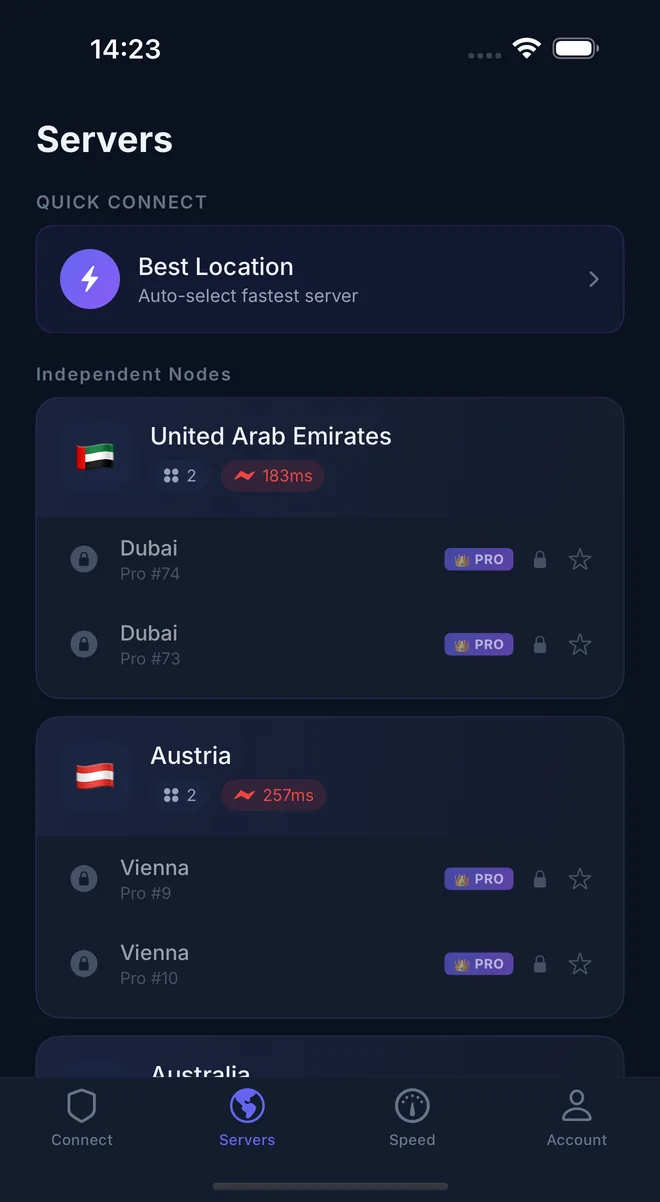
Choose a location
Pick any free server, or a VIP server in 32 countries and regions.
One account on every device
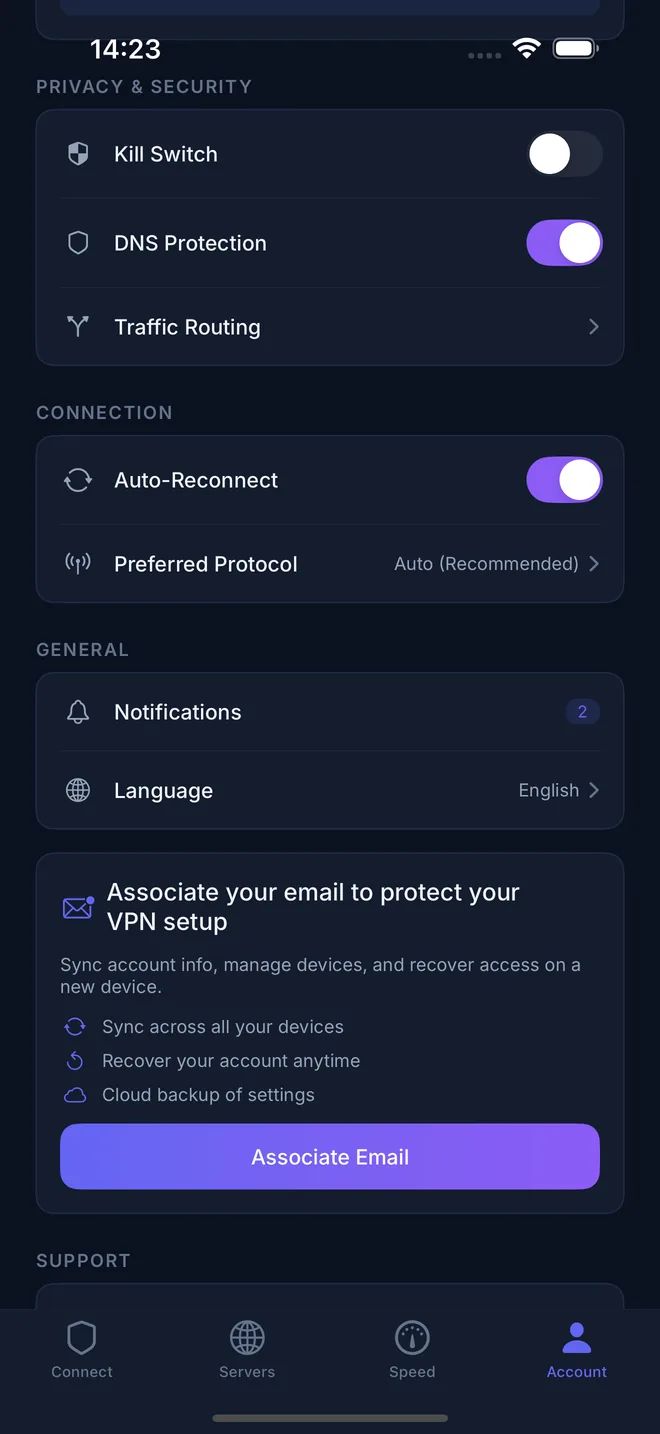
Link your email once and your VIP status follows you between devices. Each download page lists the exact system requirements and how to verify the installer.
A VIP network we run ourselves
84 VIP servers in 41 locations across 32 countries and regions, each one operated by Pekpik.
- North America3 countries and regions
- South America2 countries and regions
- Europe14 countries and regions
- Middle East3 countries and regions
- Asia Pacific9 countries and regions
- Africa1 country
Privacy, stated plainly
- No sign-up
- You can use Pekpik without giving us an email address. A guest account is created on your device.
- VIP servers run by Pekpik
- Every VIP server is set up and maintained by our own team.
- Encrypted from your device to the VPN server
- Your connection is encrypted with VLESS and REALITY, so the Wi-Fi or mobile network you’re on can’t read your traffic.
- We don’t sell your data
- Our privacy policy lists exactly what we collect, why, and for how long.
Questions people ask first
More answers in the help center.
Is Pekpik VPN really free?
Yes. You can connect to free servers without creating an account. Free use comes with a data allowance; VIP removes the limit and adds faster servers.
Do I need to sign up?
No. The app creates a guest account on your device the first time you open it. Link an email later if you want to use the same account on other devices or recover it after reinstalling.
What does VIP add?
VIP unlocks faster servers in 32 countries and regions, operated by Pekpik, with no data limit and no ads.
Can I use one account on several devices?
Yes. Sign in with the same email and your VIP status follows you to every device you use Pekpik on.
Which protocol does Pekpik use?
Pekpik connects with VLESS and REALITY, a modern protocol designed to work well on busy and restrictive networks.
Who runs Pekpik VPN?
Pekpik VPN is built and operated by JONLAN PTY LTD in Australia. You can reach us at [email protected].
Connect in one tap
Free to download. No account needed to start.