iOS 15.0 or later
Free VPN for iPhone and iPad
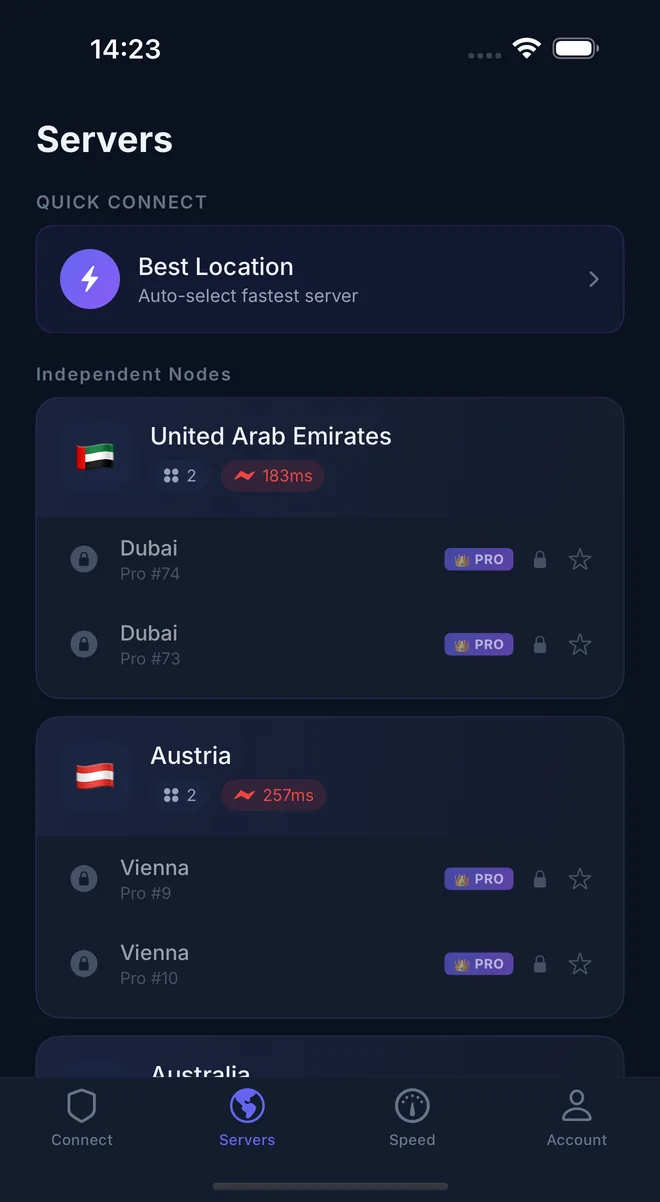
No sign-up and no login to start. Connect to free servers in one tap, or upgrade to VIP for faster servers in 32 countries and regions, operated by Pekpik.
Rated 4.6 from 562 ratings on the US App Store.
Install in three steps
- 1
Open Pekpik VPN on the App Store and tap Get.
- 2
Open the app. A guest account is created for you, so there is nothing to sign up for.
- 3
Tap the power button. When iOS asks to add a VPN configuration, tap Allow and confirm with Face ID, Touch ID or your passcode.
Paying for VIP
- VIP is an in-app subscription billed through your Apple ID.